
Amazon PPC on autopilot, inside the limits you set
SellerPilot's autopilot makes the routine Amazon PPC moves every morning: bids toward your target ACOS, more budget for campaigns that sell but run out, cuts for campaigns that don't, and negatives for searches that waste money. It is off until you switch it on, works per marketplace, and never goes past its 8 guardrails.
An autopilot for bids, budgets, negatives and harvesting that never goes past your limits.
- Off until you switch it on, per marketplace
- 8 guardrails, including an account-wide daily budget cap
- Six strategy playbooks: Launch, Rank, Growth, Profit, Defend, Liquidate
- Every change logged with its reason, and undoable
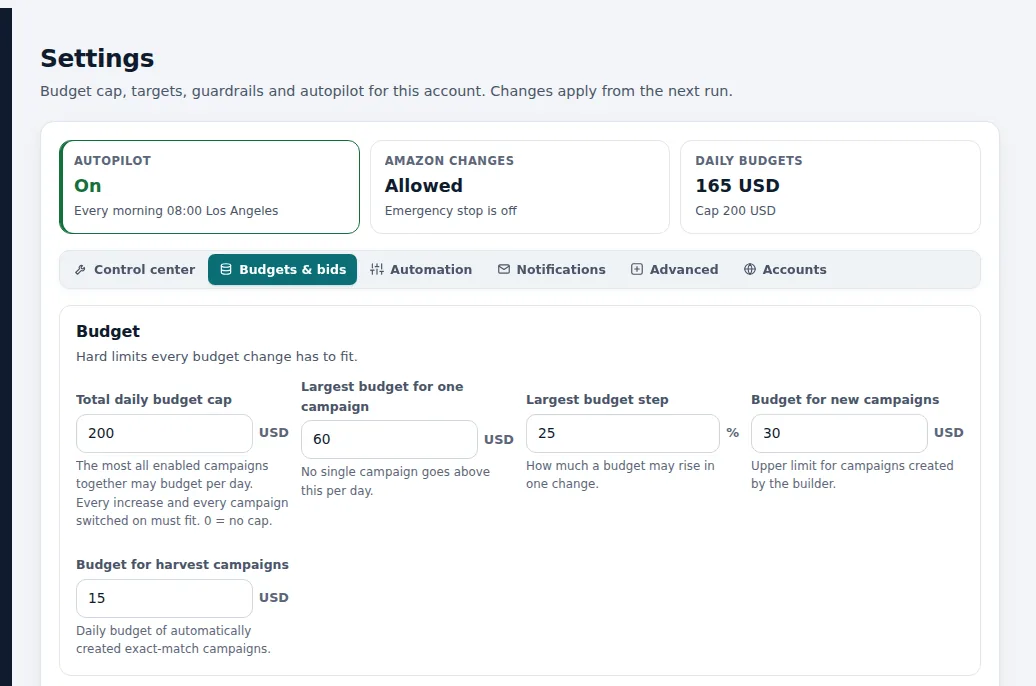
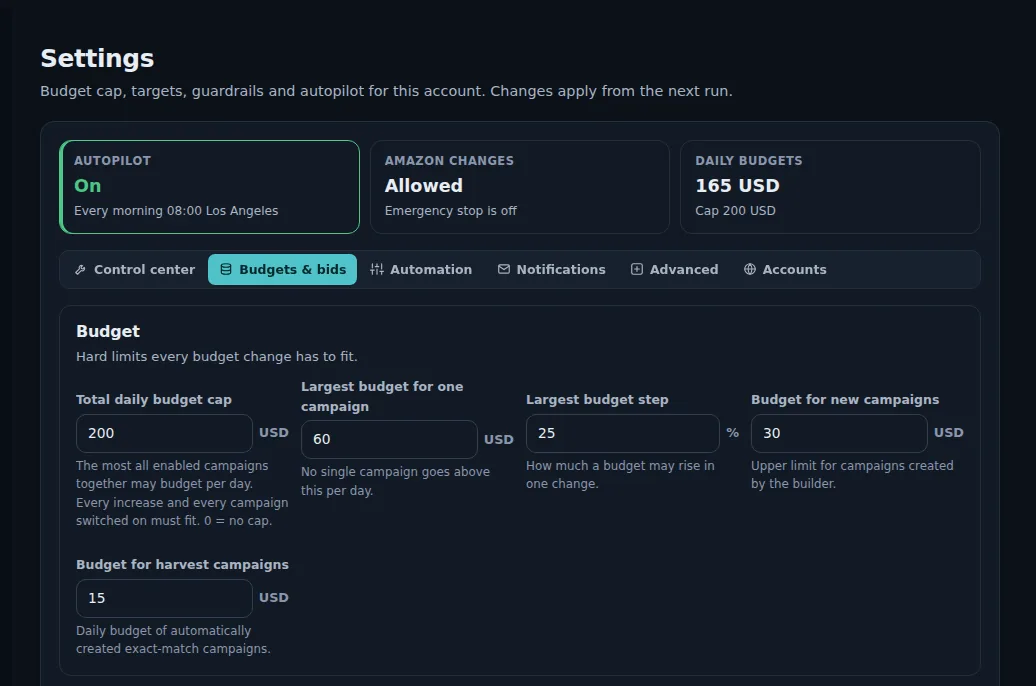
Demo store with sample data.
How it works
Set your targets and limits
Choose a target ACOS (or let each product's break-even ACOS set it), your account-wide daily budget cap, the lowest and highest bid, the highest daily budget per campaign and the largest move per run.
Pick a playbook per campaign
Launch for new products, Rank to push organic rank on hero keywords, Growth, Profit, Defend for your brand searches, or Liquidate for overstock. The strategy advisor recommends one for every campaign, with the reason.
Switch the autopilot on
Per marketplace. From then on it runs every morning after Amazon's reports arrive.
It makes the routine moves
Bid changes toward the target, budget raises for winners that run out, cuts for campaigns that don't sell, negatives for wasted searches and harvested search terms moved into exact-match campaigns.
You review the log
Every change is checked on Amazon after it is made, written to the change log with its reason, and can be undone. A change you undo is left alone for 14 days.
A morning on autopilot
A seller has a $200 account-wide daily cap, a 25% target ACOS, bids between $0.30 and $3.00, and a largest move of 20% per run.
Overnight, a Sponsored Products campaign for bath towels sold 9 orders at 16% ACOS but ran out of budget by 3 pm on 21 of the last 30 days: the autopilot raises its $30 budget to $36, within the 20% limit and still inside the $200 cap. A keyword on a pillow cover with 48 clicks and 41% ACOS gets its bid lowered from $1.20 to $1.02. A search term with 14 clicks and no order becomes a negative exact keyword. A lamp that ran out of stock at 6 am has its ads paused.
At 9 am the seller opens the change log: four changes, each with its reason and an undo button. Nothing else changed.
Illustrative numbers, not a customer result.
The guardrails
The autopilot is only as safe as its limits, so the limits come first. Every automatic change has to fit all of them:
- Account-wide daily budget cap
- Lowest and highest bid
- Highest daily budget per campaign
- Largest bid and budget move per run
- Minimum clicks before a bid changes
- Maximum changes per run
- Stock and Buy Box guard: ads pause when a product can't sell
- Undo hold: a change you undo is left alone for 14 days
Stock and sale events are part of every decision
Ads for products that are out of stock or have lost the Buy Box pause by themselves and resume when the product can sell again, so you stop paying for clicks that cannot convert. Campaigns lower their budget when stock will not last until the next delivery.
During the sale events you set, such as Prime Day, Black Friday, White Friday or Ramadan, the autopilot raises budgets and makes no cuts.
Extra steps for larger accounts
Each of these is off until you turn it on, and each works inside the same guardrails.
- Move budget to winners: budget goes from wasteful or unused campaigns to budget-limited winners; the total stays the same
- Conversion-rate guard: lower bids on products whose conversion rate collapsed
- Competitor out-of-stock boost: higher bids on a watched competitor's product and brand keywords while it has no offer
- Spend-spike hold: no budget increase for 2 days after a campaign spends far more than usual, with an alert
- TACoS steering: targets nudged so ad spend moves toward your TACoS goal
What it does not do
Stated plainly, so you know before you start.
- It does not change anything while it is off; suggestions then wait for your approval
- It never goes past your account-wide daily budget cap or your largest allowed move
- It does not create campaigns from nothing: new campaigns come from the campaign builder or from harvesting, inside the limit on new campaigns per run
- It does not promise a lower ACOS: it applies your rules consistently every day
Questions sellers ask
Is it safe to automate Amazon PPC?
How often does the autopilot run?
Which campaign types does it manage?
Can I keep some campaigns manual?
What target ACOS does it use?
Can I undo what it did?
Related features
Bid optimization
Bid and budget changes every morning, each with the clicks, spend, orders and ACOS behind it.
Learn moreSearch term harvesting
Negative keywords for searches that never sell, and winners harvested into exact-match campaigns.
Learn moreDayparting and placements
Pause campaigns in the hours you choose, and the right bid for top of search and product pages.
Learn moreCampaign builder
New campaigns in a guided wizard: products, structure, keywords, bids and a budget within your cap.
Learn moreTry SellerPilot on your own store
Connect Amazon in about five minutes. Your first data arrives within hours and your first suggestions the next morning.